


1. Access the website or app
Go to the official website: https://my.divessi.com or download the MySSI app (available for iOS and Android)
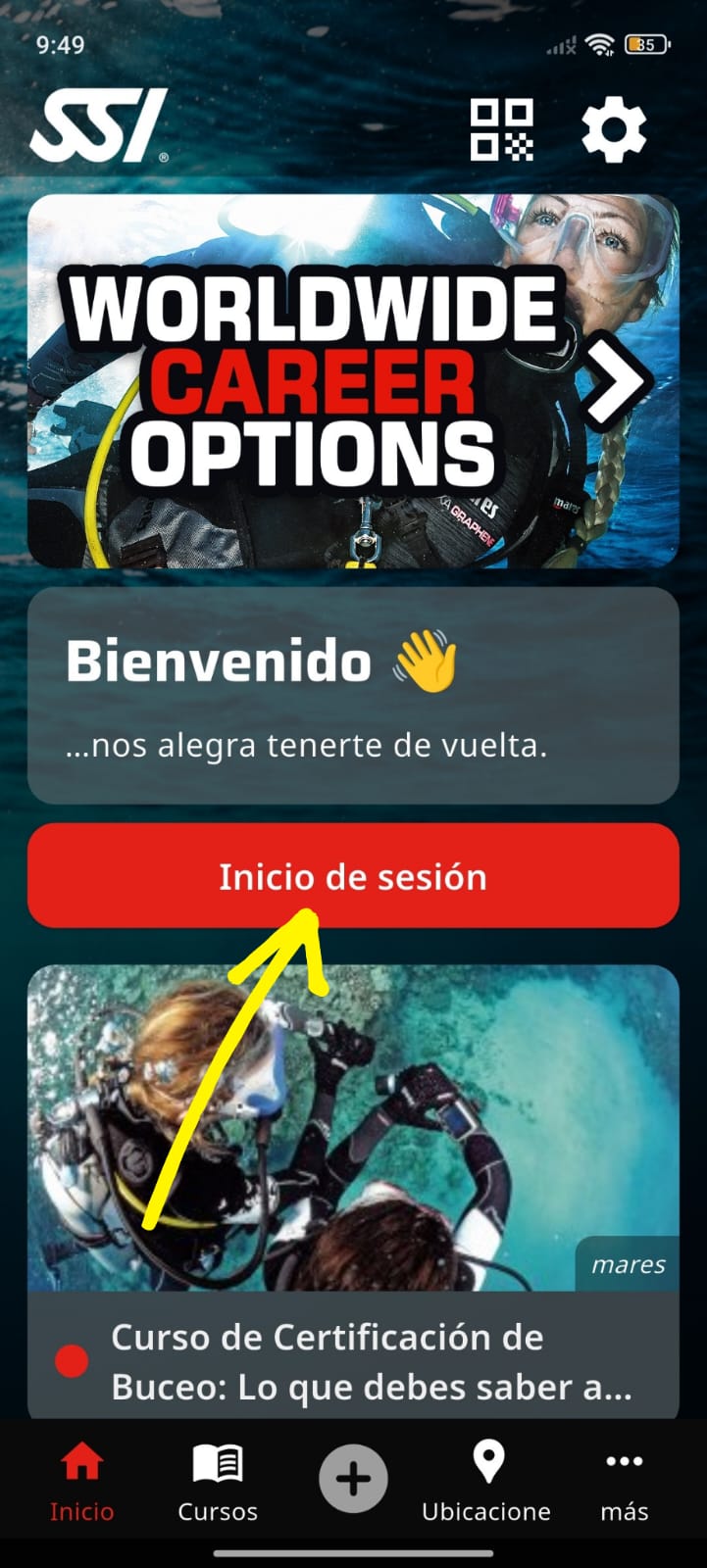
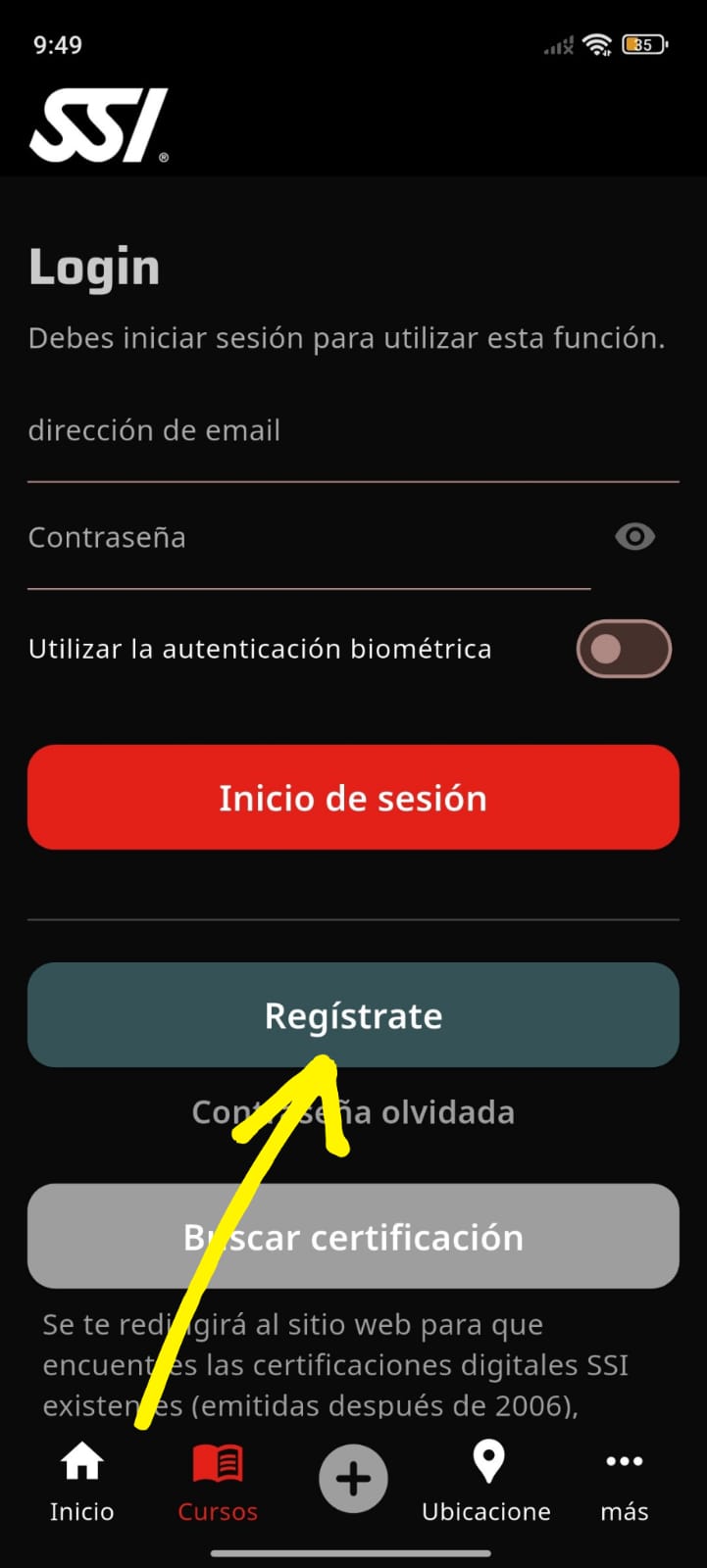
2. Click on “Create Account”
Look for the “Sign Up” / “Register” button and Select create a new profile.
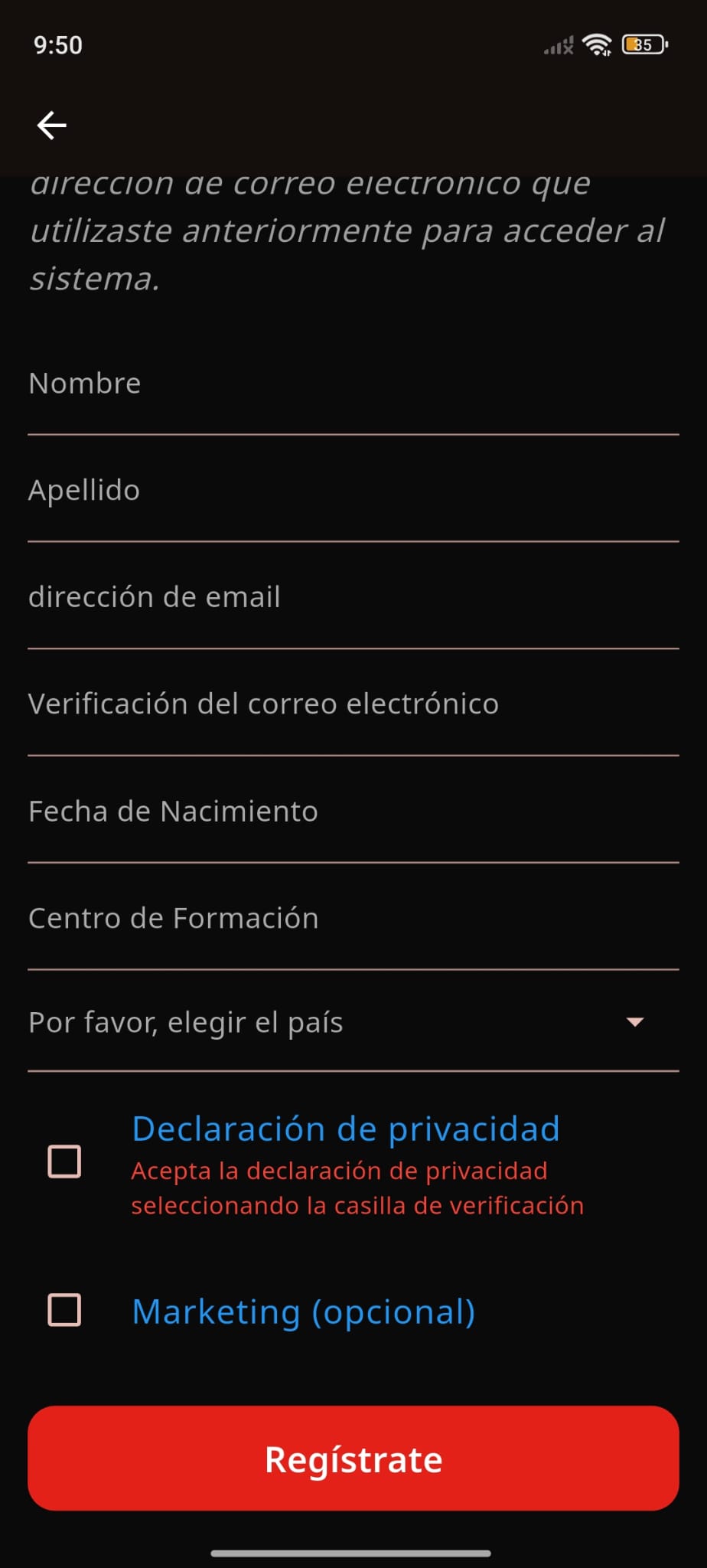
3. Enter your details
You will be asked: Name and surname, Email (it is important that it is correct), Password, Date of birth.
4. Verify your email
You will receive a confirmation email. Click on the link to activate the account.
5. Complete the profile
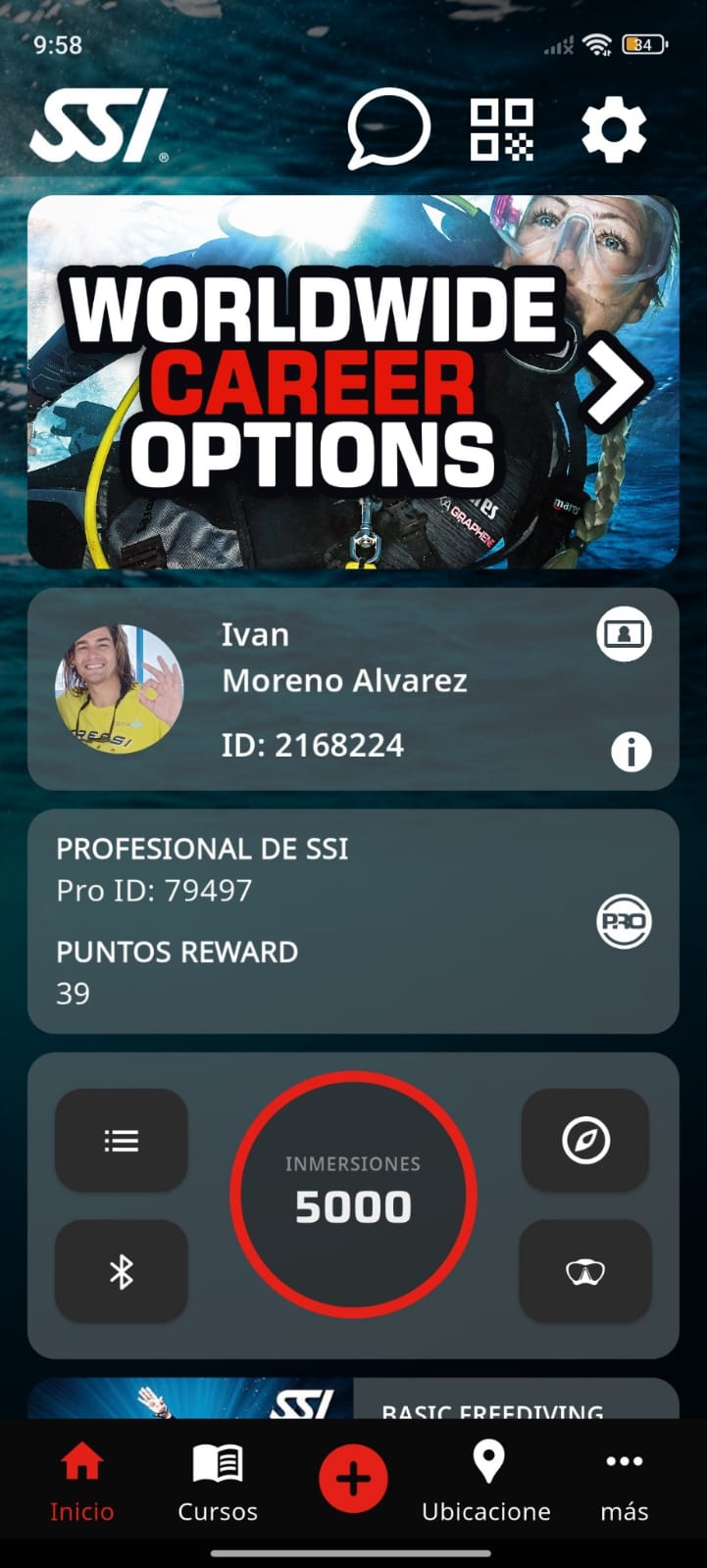
Once inside: Add a photo (optional), Fill in personal details (address, telephone, etc.), Select language.
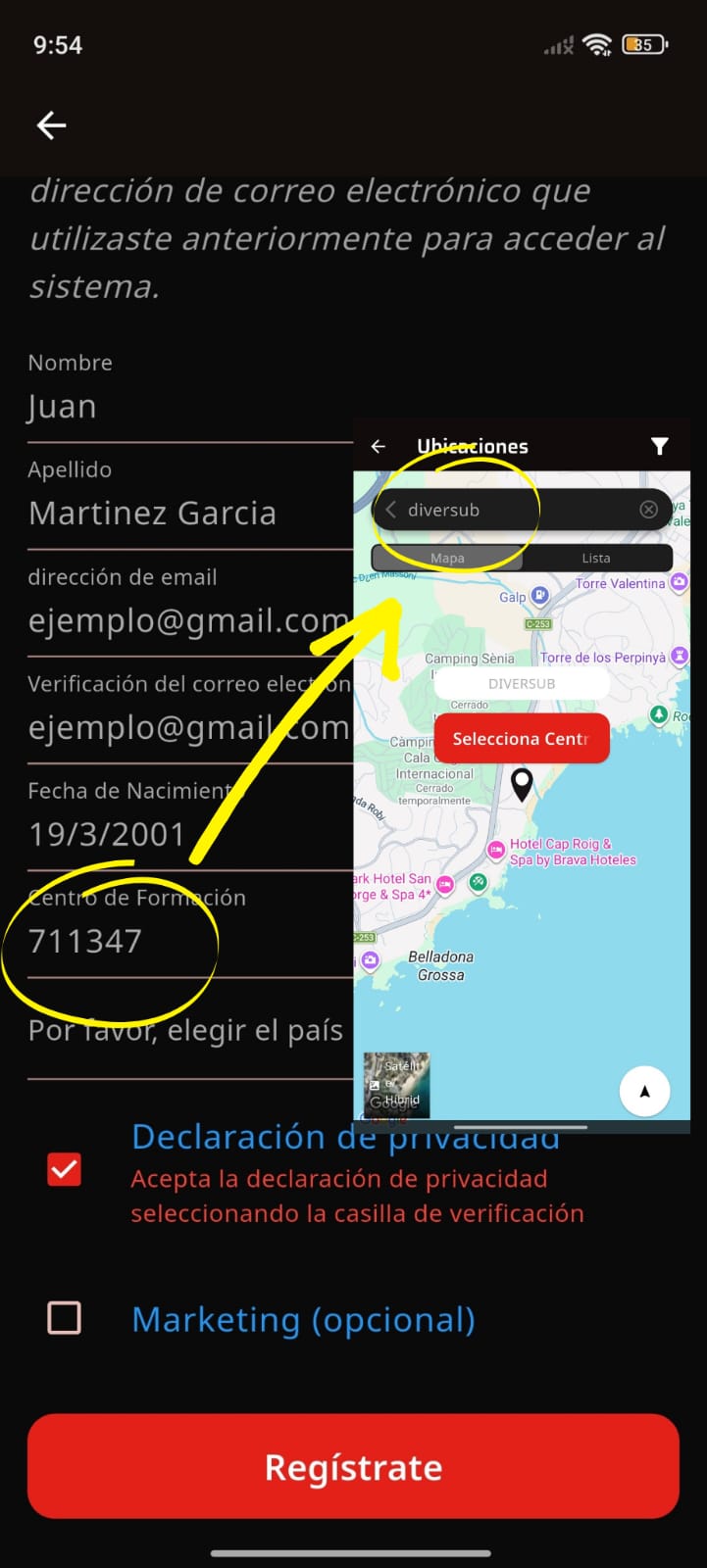
6. Link Diversub as a diving center
You can search by number (711347) Diversub center SSI. This way we can send you the theory so you can start preparing for the course.
7. You can start now!
With your profile you can: Sign up for courses, access learning materials, save digital certifications, register dives.